
What is a shared inbox, and why does your support team need one?
The difference between "everyone can see the inbox" and an actual shared inbox is bigger than it sounds — and it is usually the difference between a team that scales and one that doesn't.
 The Samvaads teamJan 12, 20262 min read
In this post
A lot of small teams start support the same way: a shared email address, or a group everyone can log into. Technically, that is shared access. It is not a shared inbox — and the gap between the two is exactly where support teams start dropping messages, duplicating replies, and losing track of who owns what.
What makes an inbox actually "shared"
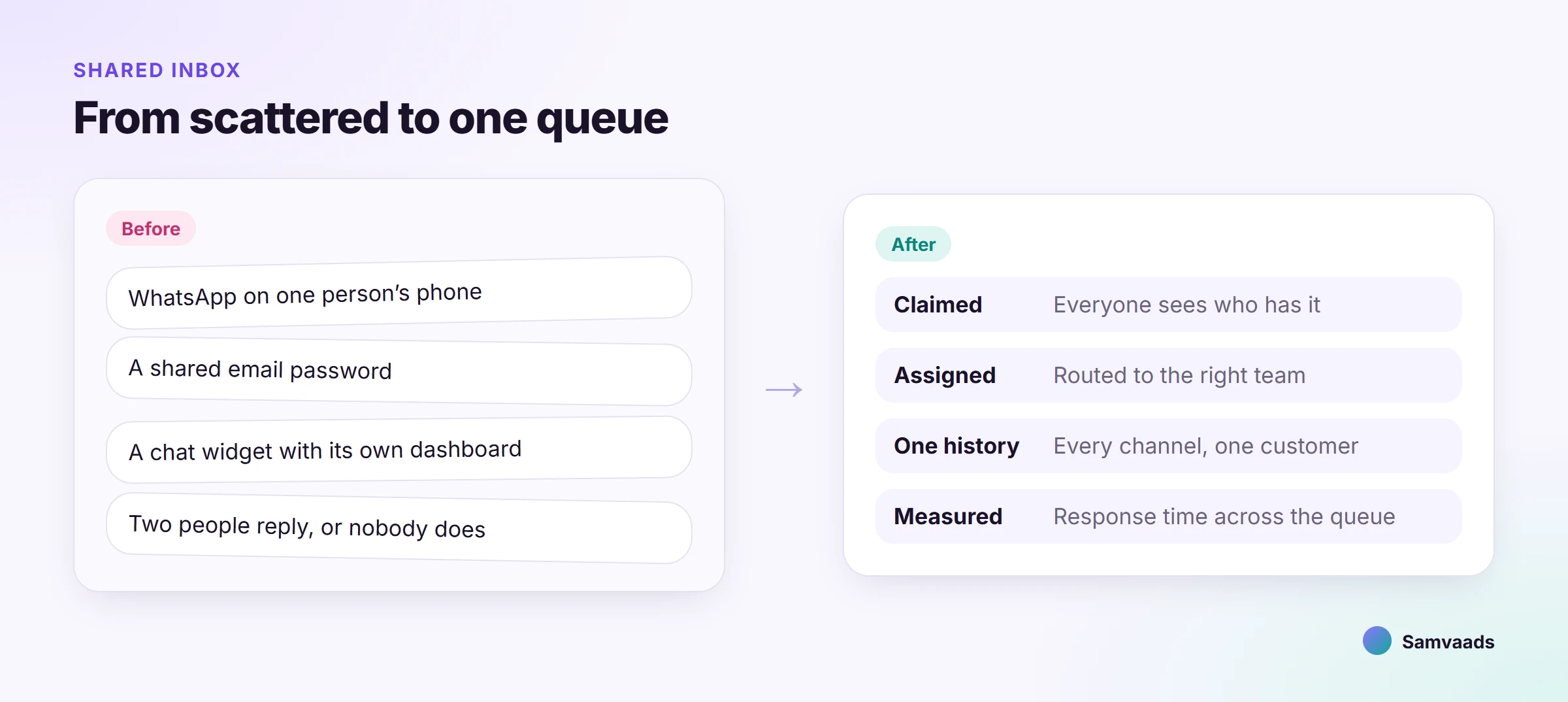
- Claiming, not just seeing
An agent can pick up a conversation and the rest of the team can see it is being handled, so two people don't reply at once.
- One queue across channels
, not a separate inbox per channel that a person has to remember to check.
- Status that reflects reality
open, pending, resolved — so "did anyone reply to this?" has an answer without asking around.
- History attached automatically
The next agent who opens the conversation sees everything that happened before, not just the latest message.
The failure mode it prevents
The classic shared-mailbox failure looks like this: a customer emails, two agents both see it as unread, one replies, the other replies twenty minutes later not realizing it was handled — and the customer gets two different answers to the same question. Multiply that by five channels and a growing team, and it stops being an occasional embarrassment and starts being the normal state of the queue.
When to move off a shared mailbox
The honest threshold is not a specific ticket count — it is the first time two people reply to the same customer, or the first time someone asks "wait, did anyone get back to them?" in a team channel. Both are signs the informal system has already run out of room, even if volume still looks manageable.
What this looks like in Samvaads
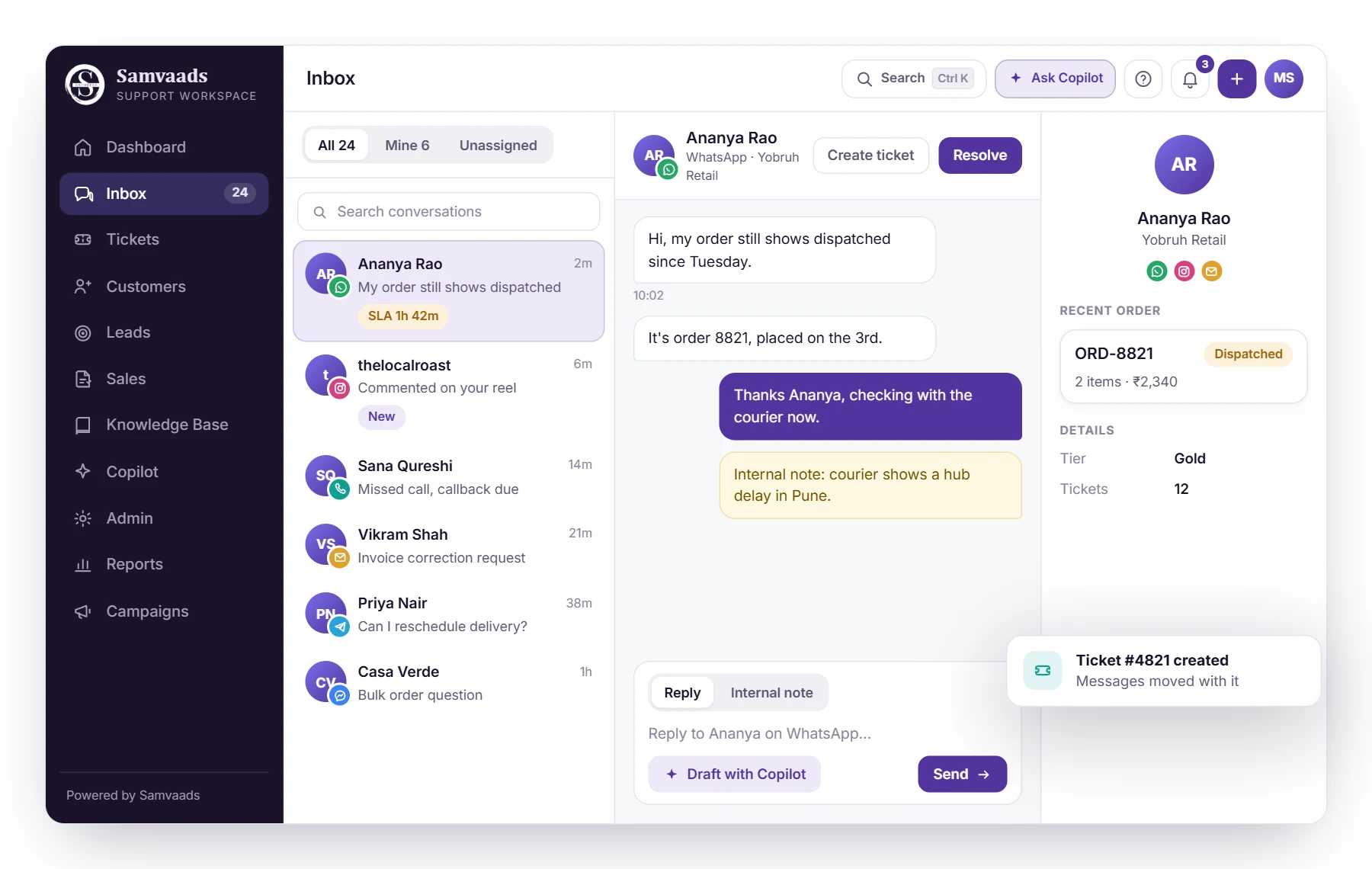
The shared inbox works exactly this way across every channel — WhatsApp, email, the widget, Instagram, and voice all land in one queue, with assignment, status, and full history attached automatically. Our omnichannel support playbook walks through the rollout sequence if you are planning the move.
See it running in Samvaads
Everything described here is a real, shipping part of the product, not a roadmap item.